Build
visually.
Brik is a free, open-source page builder for WordPress. Beautiful shadcn-style components, 3D and scroll effects, a theme builder, custom content, WooCommerce — and a built-in MCP server so your AI can build with you.
v1.1 · GPL-2.0 · WordPress 6.3+ · Works with any theme
Built on the tools you already trust
- WordPress
- WooCommerce
- Tailwind CSS
- shadcn/ui
- Model Context Protocol
- WebGL
- Lucide icons
- GPL-2.0
From blank page to live site in minutes
No code, no shortcodes, no lock-in. If you can drag a card, you can build with Brik.
- 01
Step one
Open any page in Brik
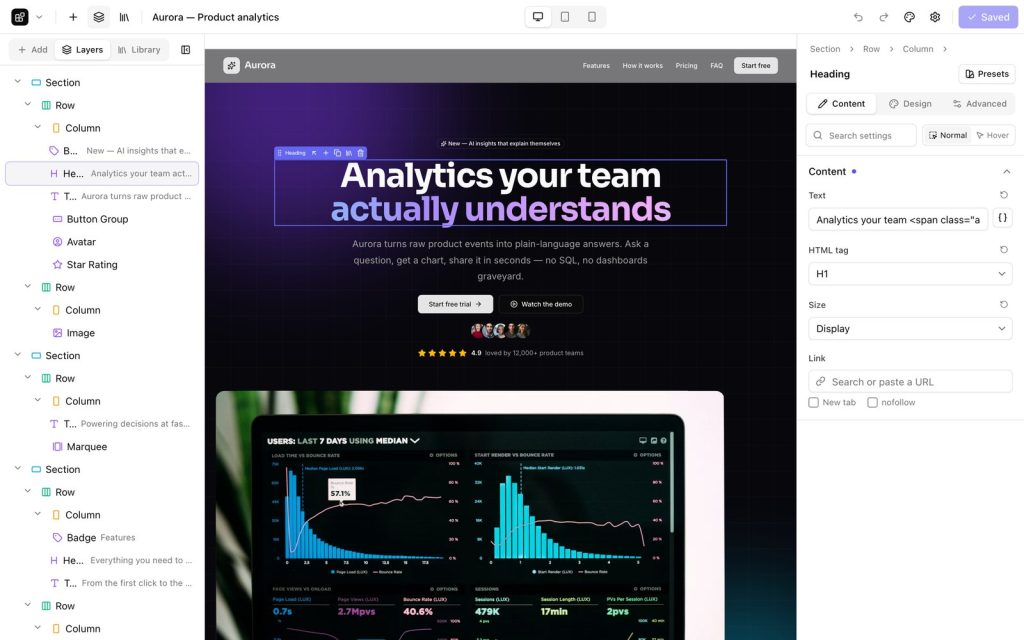
Install the plugin, click “Edit with Brik” and you are in a full-screen editor showing your real page — exactly what visitors will see.
- 02
Step two
Drop in sections, edit in place
Pick from 40 ready-made sections or 90+ elements. Drag them where you want and double-click any text to type right on the page.
- 03
Step three
Style everything visually
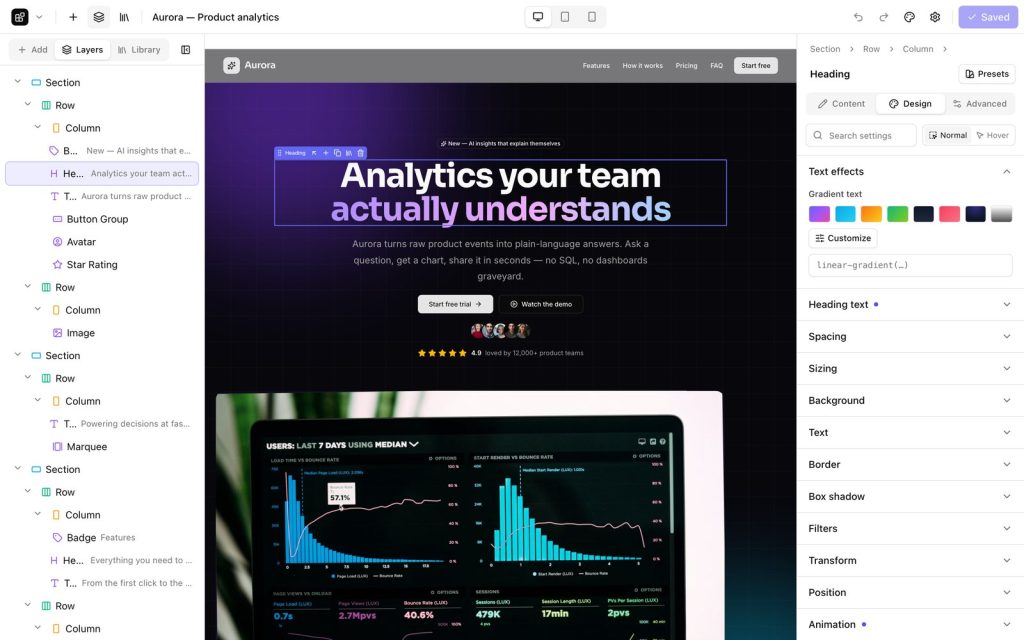
Spacing, typography, colors, borders, shadows, motion — per device and on hover. Change the design system once and the whole site follows.
- 04
Step four
Publish clean, fast pages
Pages render on the server with tiny scoped stylesheets, and your content is stored as clean HTML too — so nothing breaks if you ever switch the plugin off.

See Brik in action
Real footage of the builder, the effects and the AI connector — about a minute.
Everything a modern site needs
Divi-level power with a cleaner, faster, open core — and features nobody else ships.
A visual builder that feels like a design tool
Live canvas, inline editing, layers, history, copy & paste styles, keyboard shortcuts.
Design system
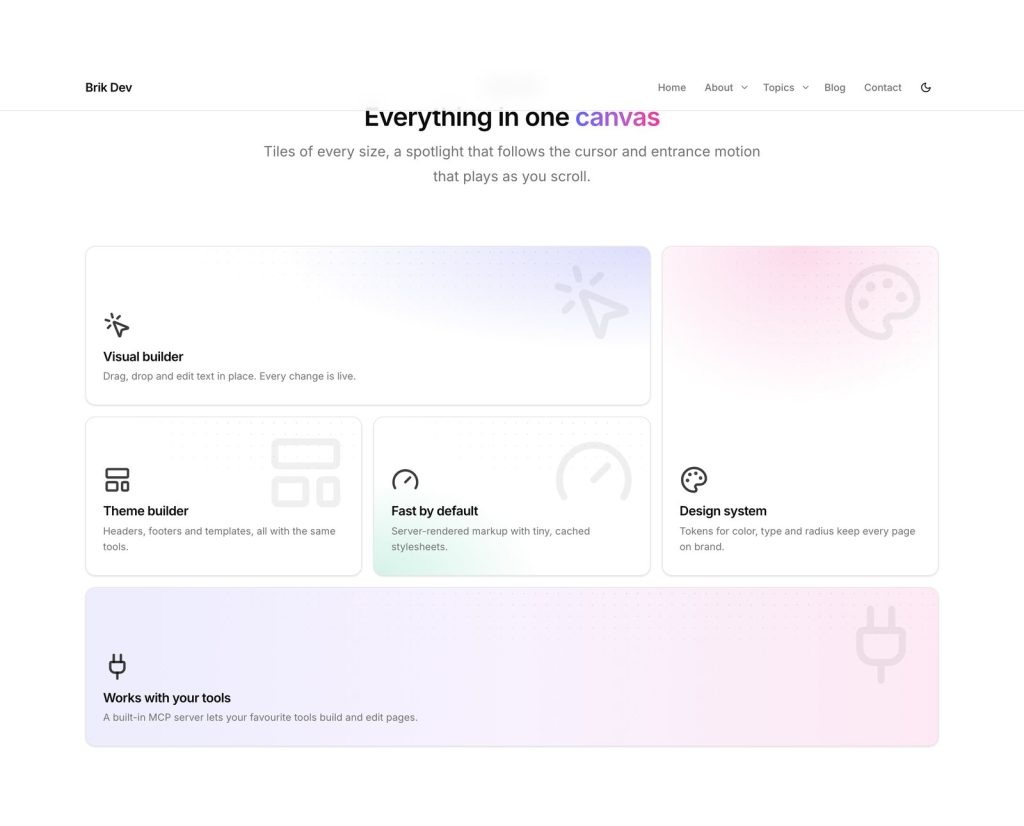
Tokens for color, type and radius. Light & dark. Change once, update everywhere.
Every device
Edit desktop, tablet and phone separately — plus hover states for any style.
Theme builder
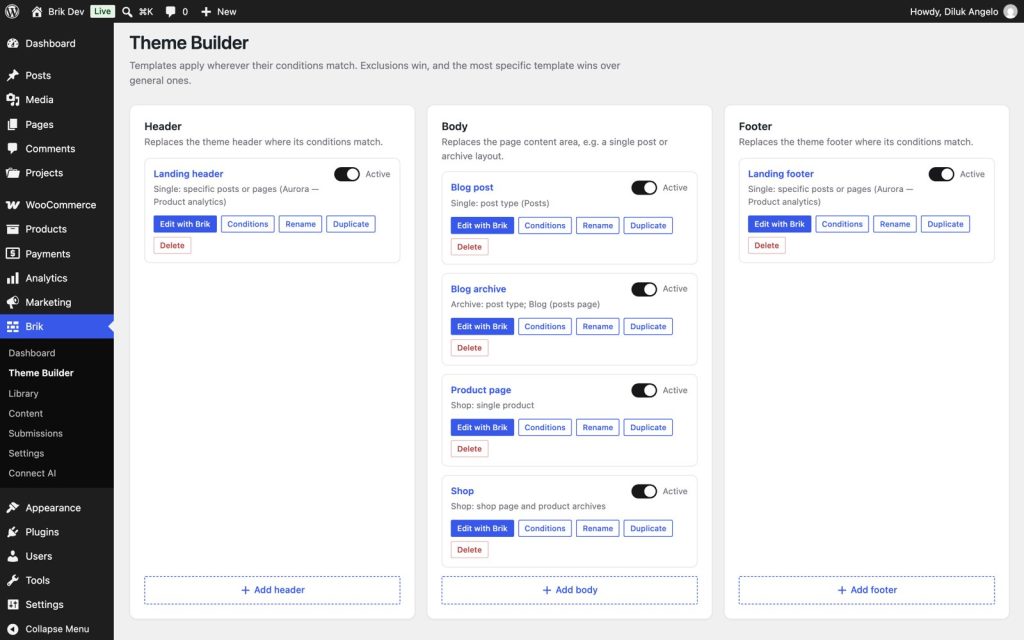
Headers, footers and templates with display conditions.
Navigation builder
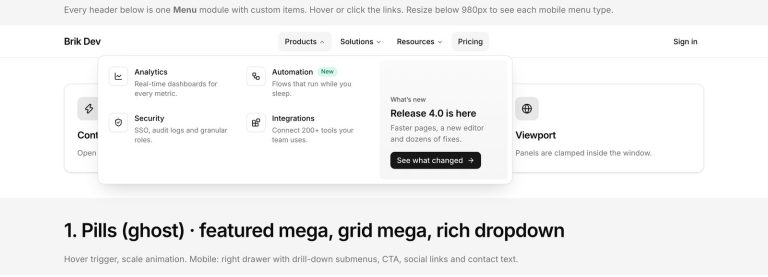
Mega menus, drawers, full-screen and bottom-sheet mobile menus.
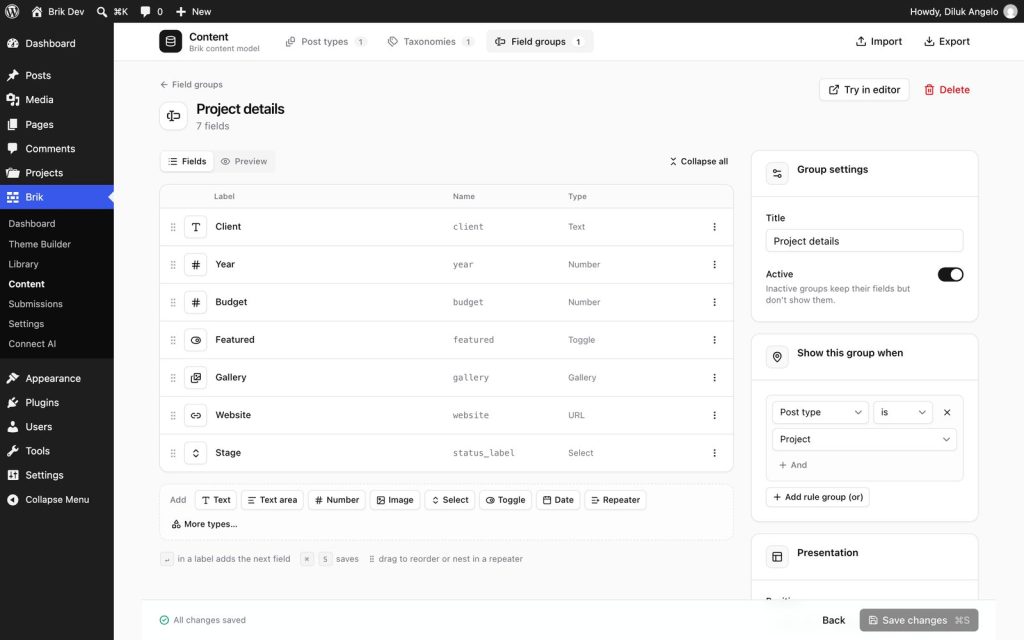
Custom content
Post types, 25 field types, listings with live filters and forms that create posts.
WooCommerce
Product pages, shop grids, filters, mini cart, styled checkout.
AI ready
A built-in MCP server with 37 tools.
Open source
GPL-2.0. No accounts, no lock-in, no upsells.
Fast by default
Server-rendered, scoped CSS, effects load only where used.
Pages people stop scrolling for
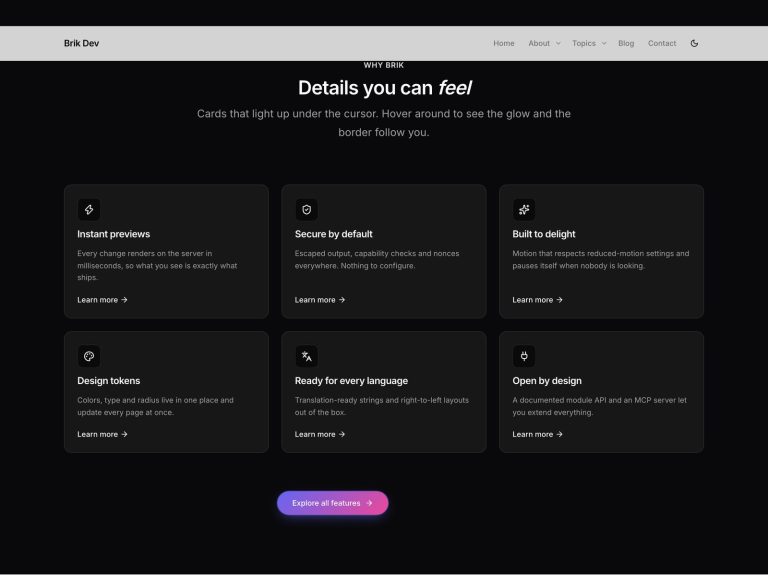
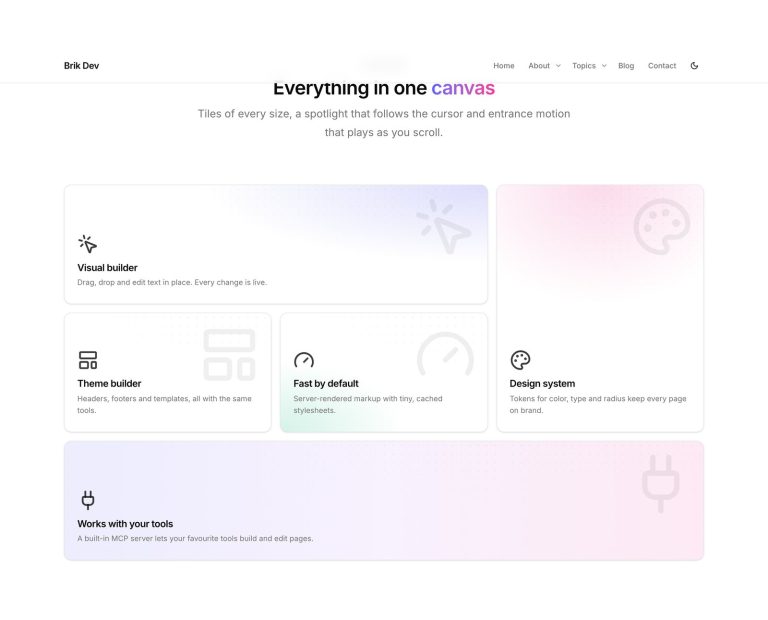
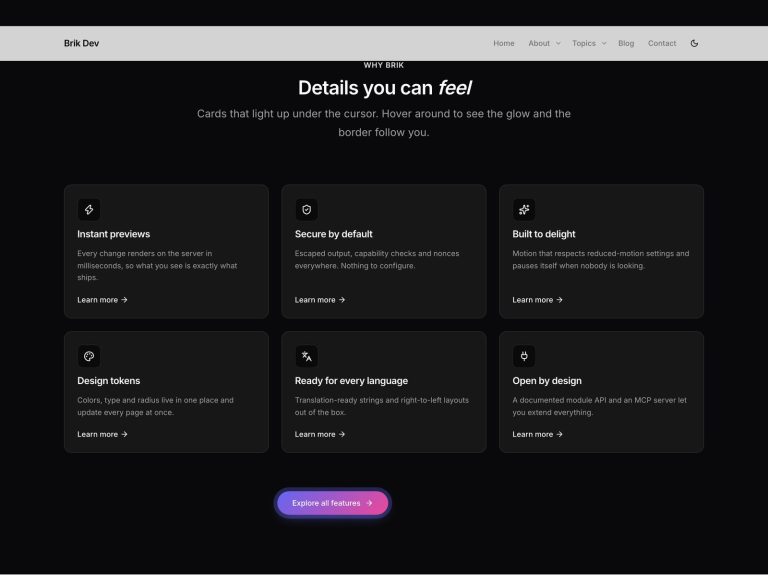
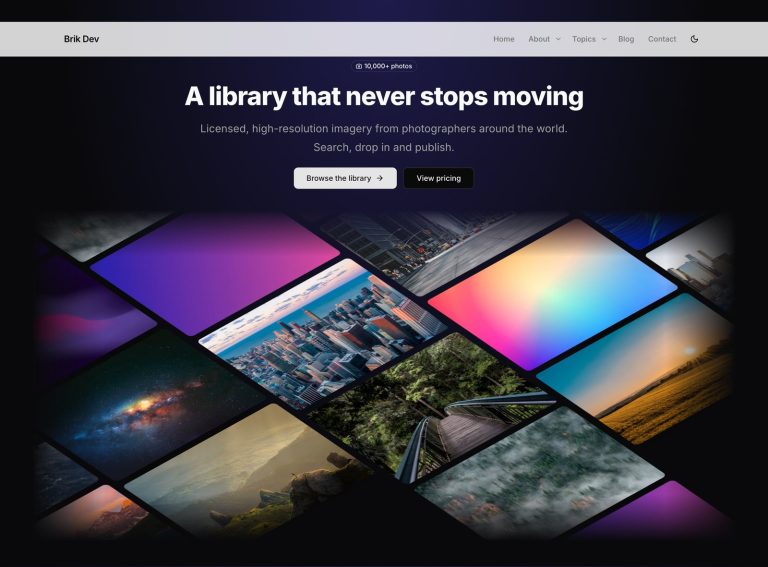
Aurora, beams, particles, WebGL globes, 3D walls, scroll-driven reveals — all built in, all paused when off screen, all respectful of reduced motion.

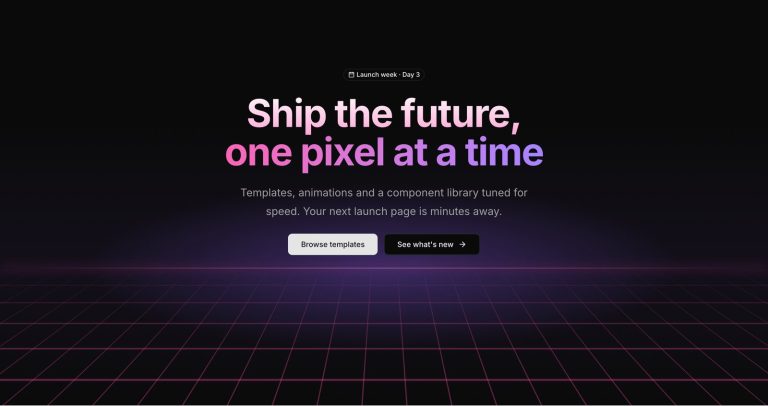

17 animated backgrounds
Aurora, gradient mesh, beams, particles, stars, retro grid and more — one setting on any section.
3D & scroll effects
WebGL globe, container scroll, hero parallax, 3D marquee, sticky storytelling.
Animated text & cards
Rotating headlines, scramble, shimmer, spotlight and border-beam cards, fancy buttons.
Your AI can build with Brik
Connect Claude, Cursor, VS Code or any MCP client and describe what you want. It creates pages, headers, menus, content types and products — through the same validated pipeline as the visual builder, so you can keep editing visually.
- Claude
- Cursor
- VS Code
- Pages
- Menus
- Products
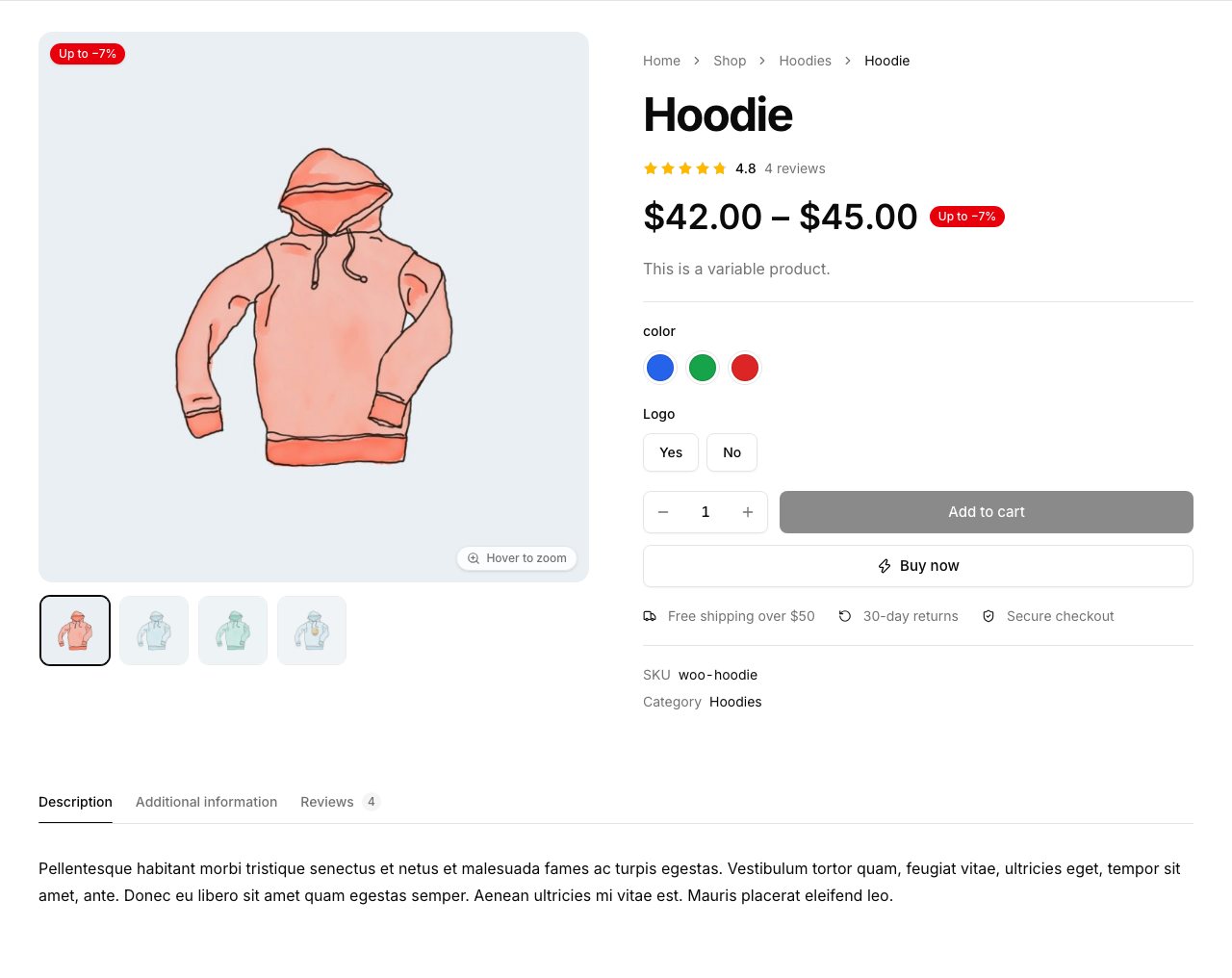
A store that looks as good as your site
Design product pages, shop grids and checkout visually — on top of WooCommerce’s own forms, so payment gateways and extensions keep working.
Built for real projects
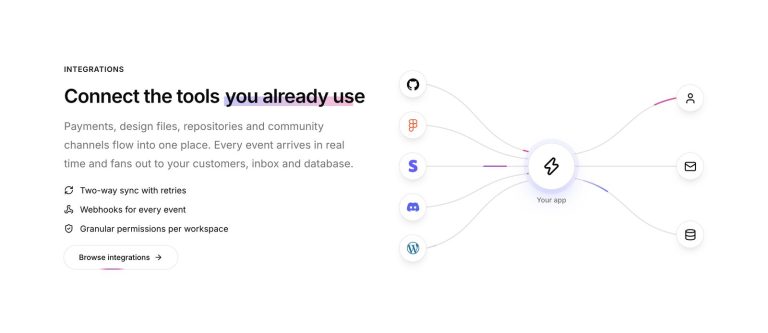
Templates, content models, navigation and integrations — the parts that turn pages into a website.
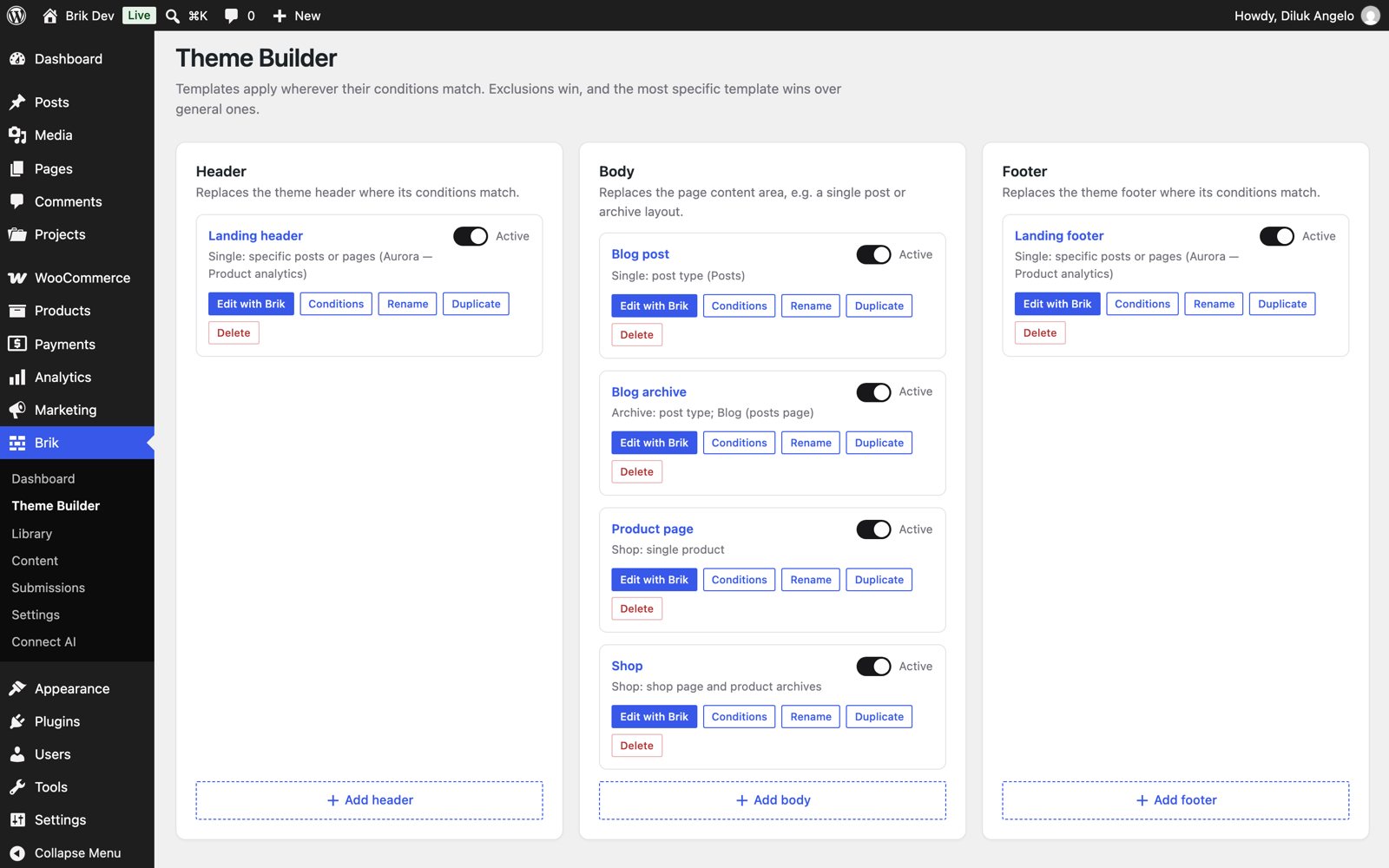
Design headers, footers and templates, then choose where they apply: the whole site, post types, categories, products, search, 404 and more.
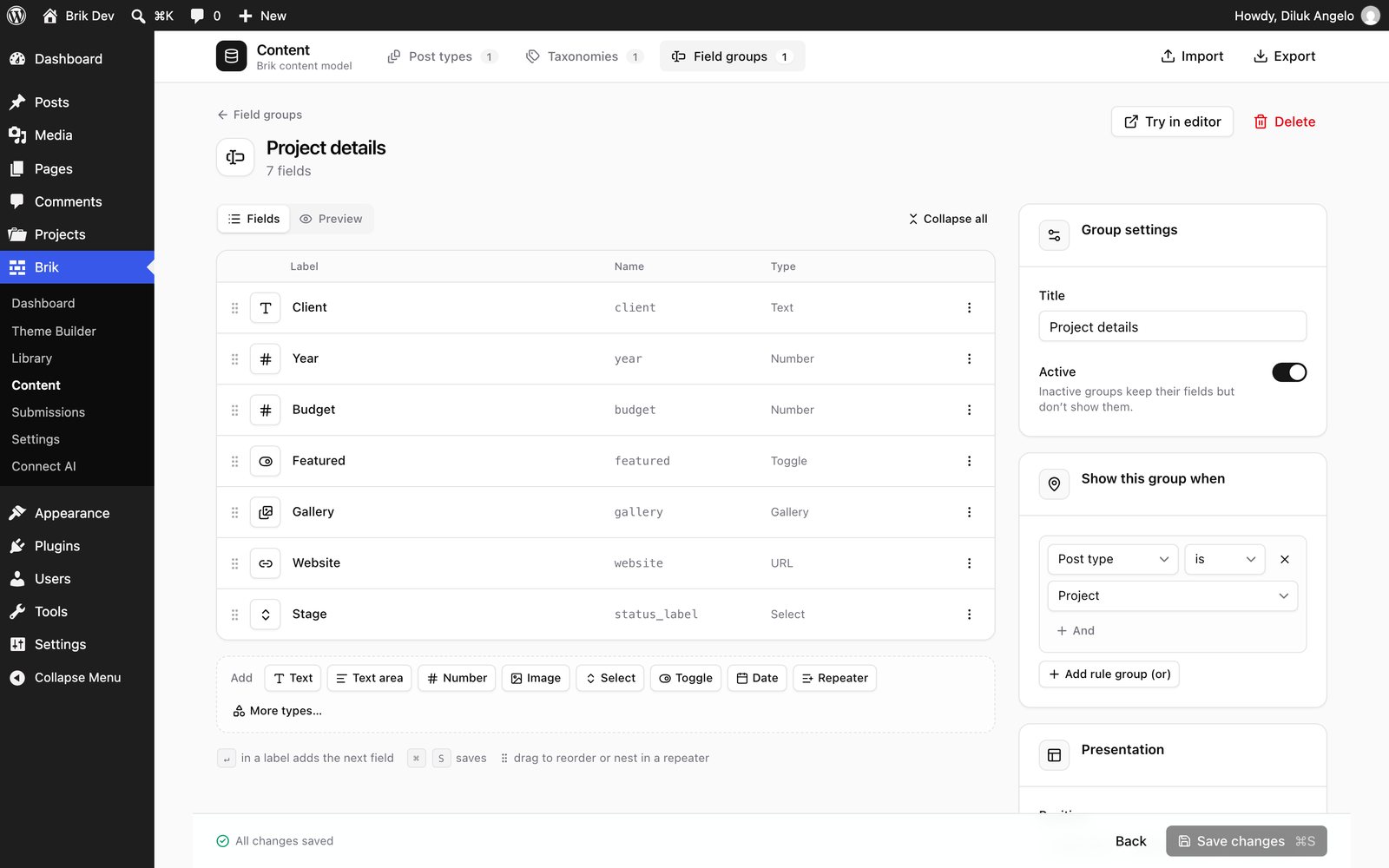
Create post types and taxonomies and add custom fields with a visual editor — repeaters, galleries, relationships, conditional logic.
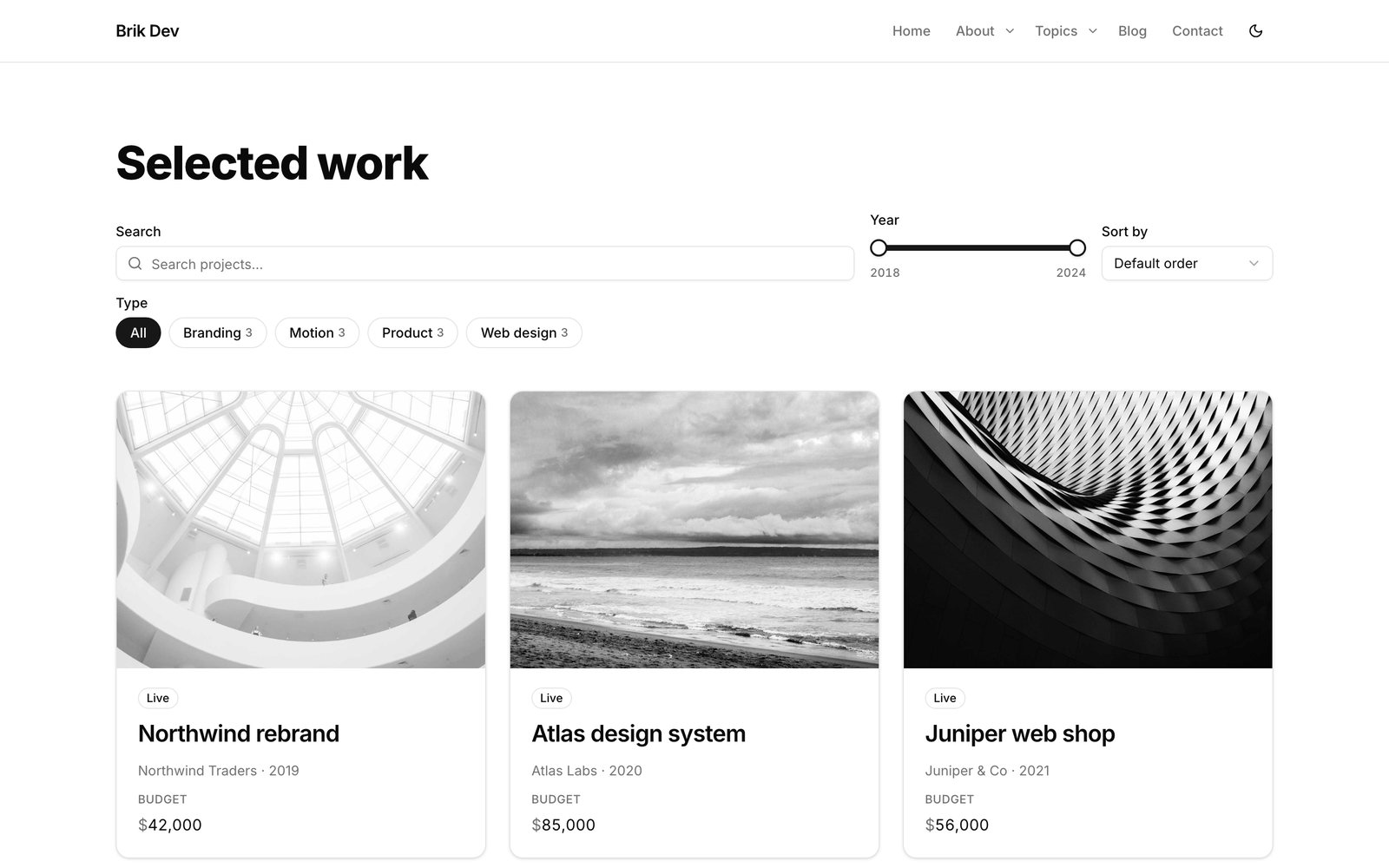
Query any content, design the card visually and add AJAX filters with shareable URLs that still work without JavaScript.
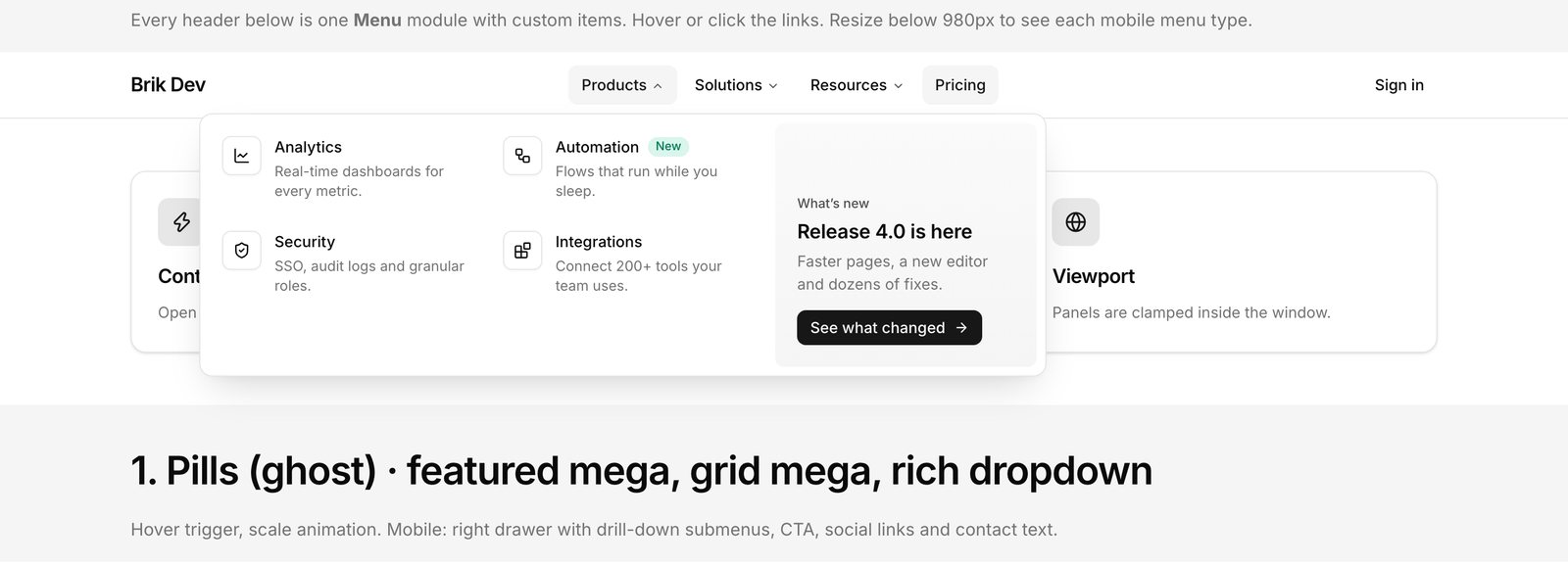
Mega menus with columns, icon grids, featured cards or any layout you design — plus four kinds of mobile menu.
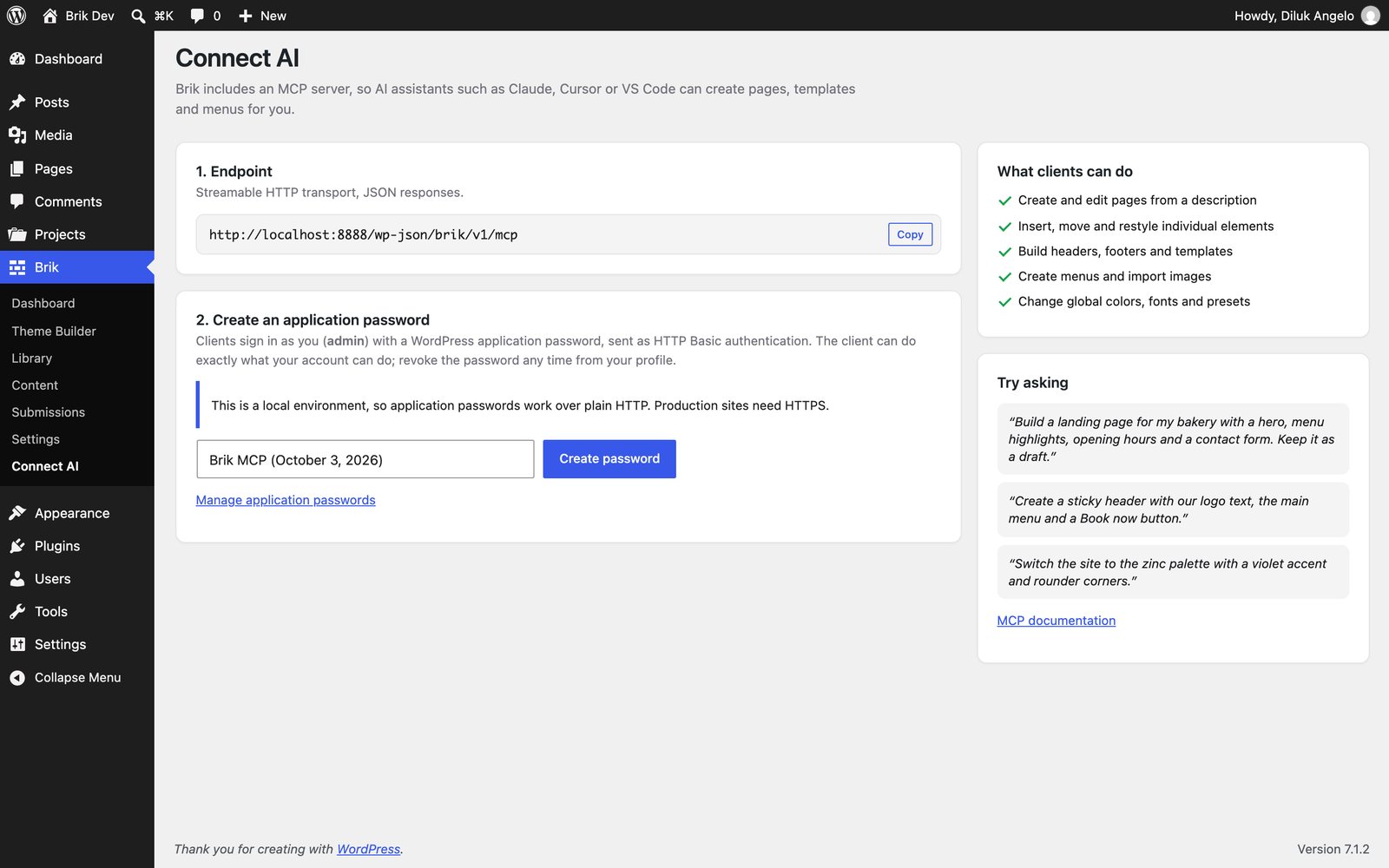
Create an application password and paste the generated command into Claude Code, Cursor or VS Code.
Free. Open source. Yours.
Brik is GPL-licensed and developed in the open. No accounts, no license keys, no locked features — and your content is stored as clean HTML, so you are never trapped.
Is Brik really free?
Yes. The plugin and the theme are free and open source under the GPL-2.0 license — every feature, no paid tier.
Does it work with my theme?
Brik works with any theme. The companion Brik theme adds native header and footer support and shares the design tokens, but it is optional.
What happens if I deactivate the plugin?
Your pages are also saved as clean HTML in the post content, so they stay readable — no shortcode soup.
How does the AI integration work?
Brik includes a Model Context Protocol server. Create an application password under Brik → Connect AI, add the endpoint to your AI client and ask it to build. Every change goes through the same validation as the visual builder.
Do I need WooCommerce?
Only for the shop features. Everything else works without it, and the shop elements appear automatically when WooCommerce is active.
What are the requirements?
WordPress 6.3 or newer and PHP 7.4 or newer.
Start building today.
Two zips, one click, and you are designing. Free forever.